
Keeping memories · 3 min read
Organise family photos without sorting your entire life
A manageable way to organise family photos: start with five favourites, add useful context and check your copies before deleting anything.
KEEPING MEMORIES
Simple ideas for recording your child's voice, saving funny words and ordinary conversations, and making the clips easy to find again.

A photograph can tell you what they looked like. It is less good at telling you how they pronounced “dinosaur”, or the exact way they announced that they weren't tired while lying face-down on a cushion.
A little voice recording can keep something a photograph misses. It doesn't have to be a performance. In fact, the ordinary clips may be the ones you most want to hear again.
You can start with the recorder already on your phone. No special microphone, editing software or quiet studio is required. A family home would have trouble qualifying as a quiet studio anyway.
Think about sounds that belong to your child's current world:
You do not need to wait for something spectacular. One sentence can be a complete recording. So can a laugh with a little context around it.
If they are old enough to understand, ask whether they would like to record something. A “no” can be the end of the conversation. You are keeping their voice, not recruiting a presenter.
“Tell me something interesting” can be difficult at any age, including quite a few adults.
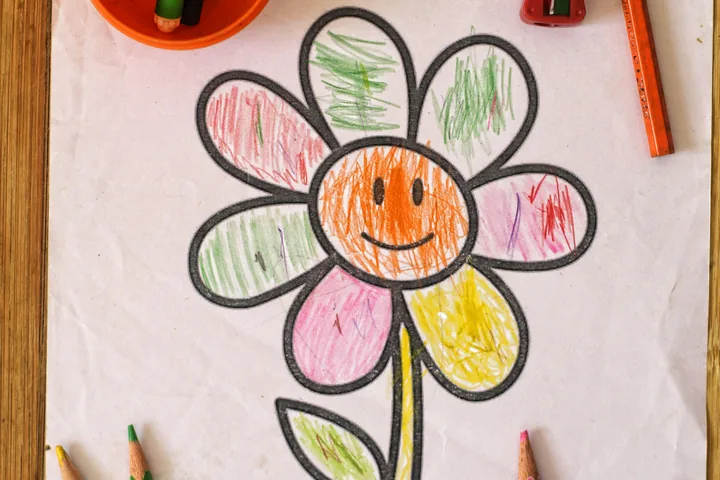
Try a question about something already in front of you: “What's happening in your drawing?” or “How does your machine work?” You might ask them to describe a favourite toy or tell you the rule of a game they have just invented.
Let the answer wander. Correcting every word or asking for a second take can remove the very thing you wanted to save. A sentence that changes direction halfway through is part of how children tell stories.
Sometimes the question will result in silence. Sometimes you will receive a twenty-minute explanation of a toy lorry. You can stop recording long before the lorry reaches its destination.
Once you have a recording, give it a name that tells you something. “Oliver talking about his drawing, September” is the sort of useful title you can adapt. It is an example naming format, not a claim that we have that recording.
Add the date, who is speaking and a short description of the setting. If a word needs explaining, write down what they meant. Our family still says “slipperlies” for slippers, but somebody outside the house would appreciate the translation.
Keep the original audio file rather than only an edited video containing it. Check that you can play it and, if it matters to you, keep another copy somewhere separate. An app that lets you export a recording gives you more choices about where to keep it.
That is how we’ve approached voice memories in Kins, our upcoming family memory app. You can record a voice, give the recording a title and name the people on it, then keep it in your child’s story. The little cassette is lovely, but the useful bit is being able to tell one recording from another when you want to hear it again.
Saving a voice for your family does not mean posting it publicly. A clip may include names, personal details or another person's voice. Listen before sharing, ask the people involved where appropriate, and choose who actually needs access.
For an older child, ask again before sending a clip on. Being happy to make a recording and being happy for everybody to hear it can be different things.
You can also keep a written version of a favourite sentence. See our family words and funny sayings for a simple little dictionary format.
Try one short clip on an ordinary afternoon. Then carry on talking. The conversation is still the main event; the recording is something you may be glad to have later.
Keeping memories · 3 min read
A manageable way to organise family photos: start with five favourites, add useful context and check your copies before deleting anything.
Keeping memories · 3 min read
Simple ways to save children's artwork, from good photographs and their own explanations to choosing a few originals together.